eSIM
Will My Travel eSIM Work If I Remove My Physical SIM? A Nomad eSIM Guide [2026]
Yes, your travel eSIM works without a physical SIM—here’s why you shouldn’t remove it and how to avoid roaming charges smartly.
TL;DR: Yes, your travel eSIM will still work if you remove your physical SIM. Though you’ll lose access to calls, SMS, and OTPs tied to your main number. It’s safer to keep your physical SIM in your phone and disable roaming instead to prevent incurring accidental roaming charges.

Will my eSIM still work if I remove my physical SIM?
Yes, if you remove your physical SIM, your eSIM will still function, assuming it’s active and correctly set up. You can continue to browse, navigate, message, and stream abroad without interruption.
Do I need to remove my physical SIM to use an eSIM?
No, you don't need to remove it. While your travel eSIM doesn’t require a physical SIM, taking it out can lead to several issues, especially during international travel.
You Lose Access to Your Primary Number
Your physical SIM is tied to your regular phone number. Without it:
- Lose access to OTPs
- No SMS/calls on your main number
- No backup if eSIM fails
If you use services like banking apps, rideshare platforms, or WhatsApp linked to your primary number, removing your SIM could disrupt access.
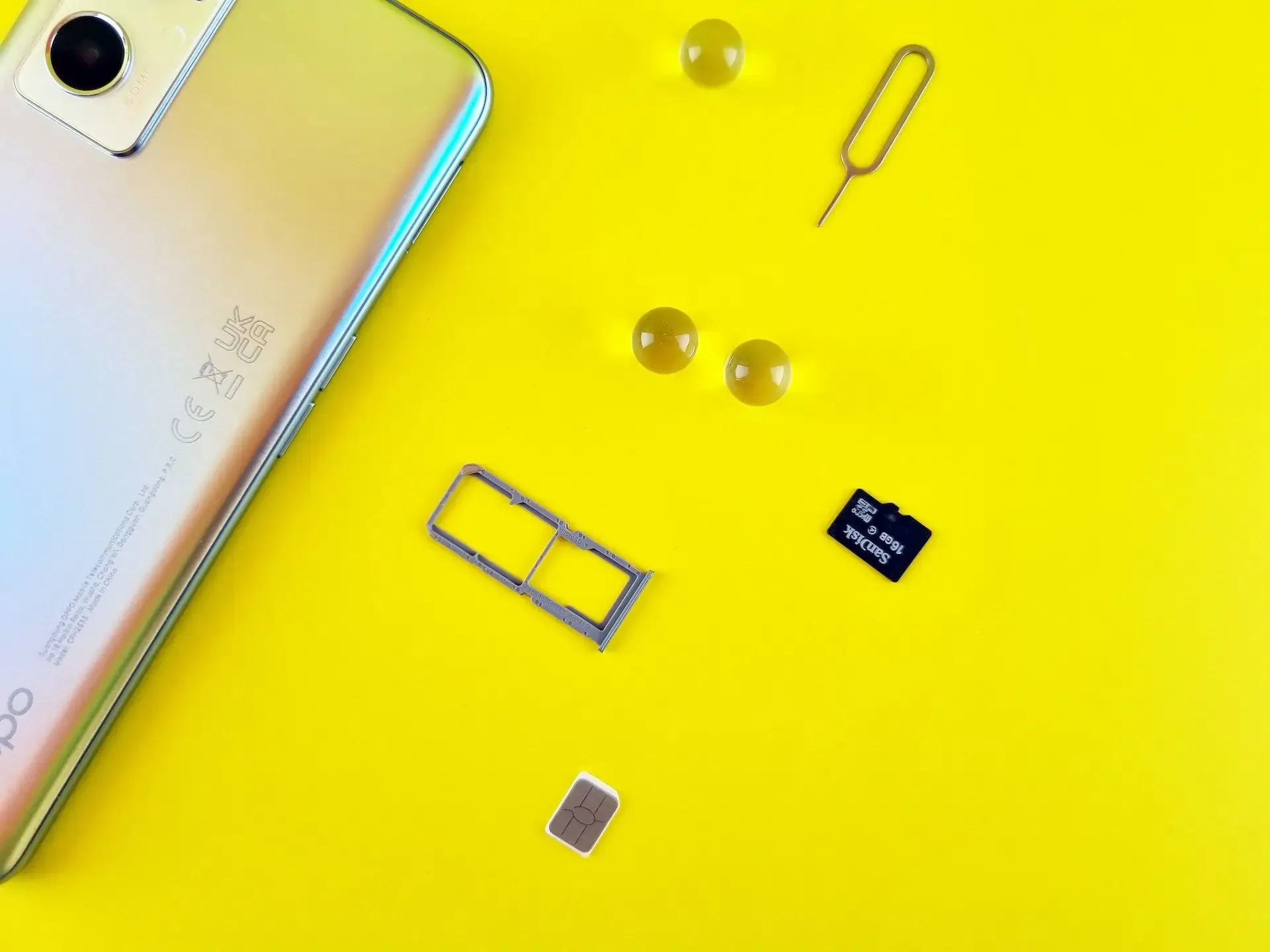
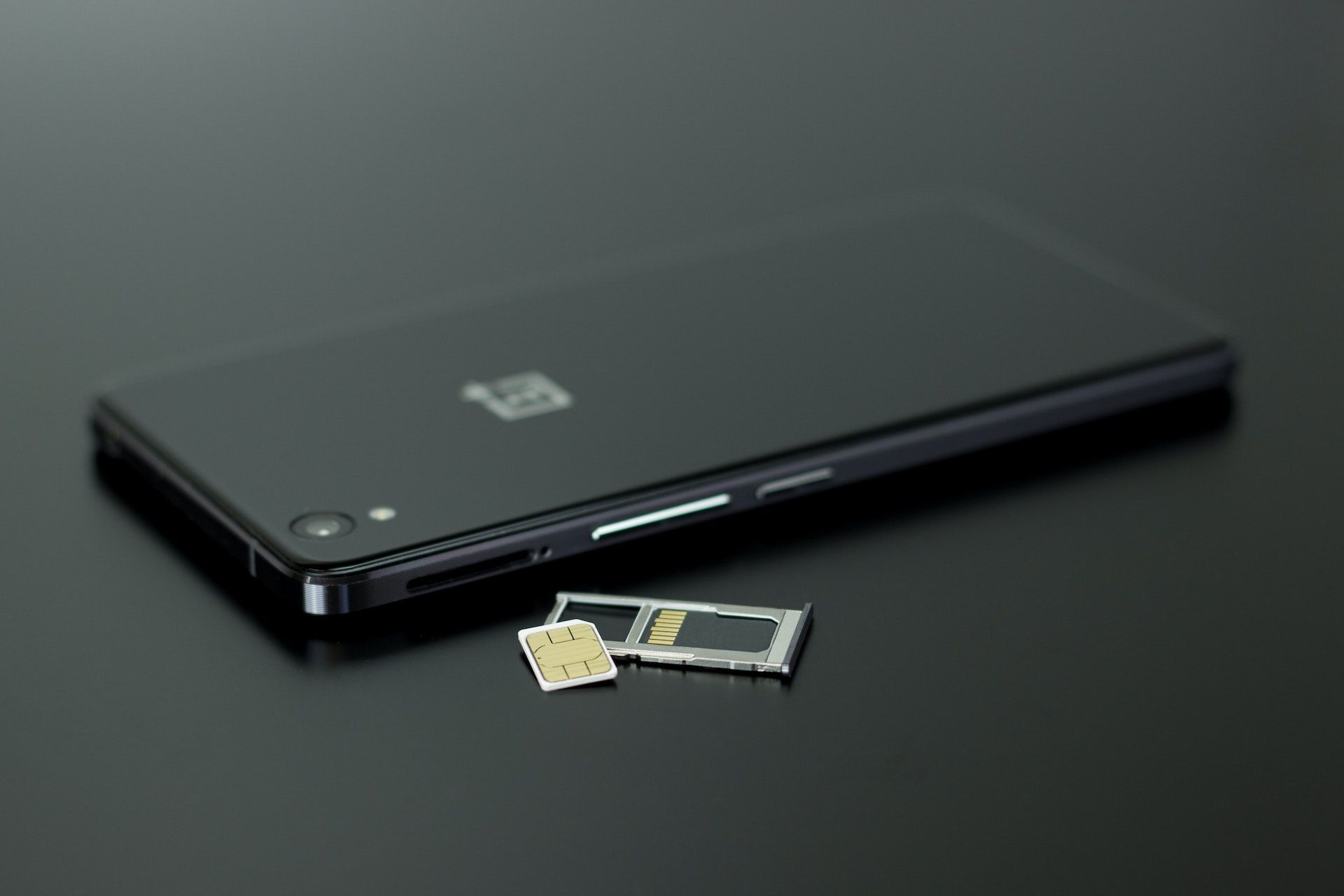
You Risk Losing or Damaging the SIM Card
Physical SIM cards are small and easy to misplace. If lost during travel, it can be a major headache upon your return, requiring you to order a replacement from your carrier and potentially dealing with service interruptions.
Curious about how modern phones handle multiple SIMs? Learn more in our guide on how dual SIM phones work and what you should know before using them internationally.
How to use eSIM without removing your SIM (recommended setup)
Rather than removing your SIM, here’s how to safely manage dual SIMs and avoid unexpected costs:
1. Disable Data Roaming on Your Primary SIM
Go to Settings > Cellular > [Your Primary SIM] > Data Roaming and toggle it off. This ensures you won’t use expensive roaming data abroad.
2. Set Your eSIM as the Data Line
Designate your travel eSIM as the default data source in Settings > Cellular > Cellular Data. On iPhones, also turn off Cellular Data Switching.
3. Disable Your Primary SIM via Software
You can temporarily turn off your main SIM without physically removing it:
- On iPhone: Settings > Cellular > Tap your primary SIM > Toggle off "Turn On This Line"
- On Android: Settings > Network & Internet > SIMs > Toggle off "Enable SIM"
This approach gives you full control without risking SIM loss.
4. Contact Your Carrier
Some carriers let you block international roaming entirely. You can ask them to disable roaming but keep call/text services active.
Frequently Asked Questions (FAQs)
Can I use my physical SIM and eSIM at the same time?
Yes, most modern smartphones with eSIM capability support Dual SIM Dual Standby (DSDS), allowing you to use both your physical SIM and eSIM simultaneously. You can designate one for calls/SMS and the other for data, or switch between them as needed.
Can I receive SMS with eSIM?
Most travel eSIMs are data-only, so they don’t receive SMS or calls. However, if you keep your physical SIM active in your phone, you can still receive SMS (e.g. OTPs) on that number.
Does eSIM affect my existing SIM?
No, using an eSIM does not affect your physical SIM. Both can work independently, and you can choose which one to use for data, calls, and messages in your phone settings.
What should I do if my eSIM stops working after I remove my physical SIM?
First, check that your eSIM is selected for mobile data and that data roaming is turned on. If issues persist, try restarting your device or reselecting the network. You can also contact support for help. We’ve put together a helpful guide to walk you through fixes for common eSIM connectivity problems while traveling.
Will I lose my phone number if I remove my SIM?
No, removing your physical SIM will not permanently affect your phone number. Your number is tied to your account with your home carrier. However, while the SIM is out of your phone, you will not be able to receive calls or SMS messages to that number.
Can I reinstall my SIM later?
Yes. If you remove your physical SIM, you can insert it back anytime and continue using your number as usual, as long as your carrier service is still active.
Is it safer to disable my physical SIM in settings than to remove it?
Yes, disabling your physical SIM through your phone's settings is generally safer than physically removing it. It prevents loss or damage to the SIM card and allows for easy re-activation if you need to use your primary number for calls or SMS.
Keep Your SIM In, Stay Connected Smartly with Nomad
Your travel eSIM will absolutely work without your physical SIM, but removing the SIM adds unnecessary risk. You lose access to your number, OTPs, and a reliable backup option if anything goes wrong.
Instead, use built-in settings to turn off roaming and keep your physical SIM safe. With Nomad’s global eSIM plans, you can travel with confidence, enjoy uninterrupted data access, and avoid the stress of swapping tiny SIM cards at the airport.
Ready to travel smart? Explore Nomad eSIM's extensive range of eSIM plans for over 200 countries and regions and stay connected wherever your adventures take you.